Our Blog
QR Codes and Digital Business Cards: The Modern Way to Network as a Freelancer
The paper business card had a good run. But in a world where most professional connections happen on a screen and where remote working has made in-person handoffs rarer than ever a digital business card with a QR code is now the standard for any serious freelancer.
The shift isn't just about aesthetics. It's about functionality, speed, and the ability to update your information without reprinting 500 cards every time your phone number changes.
Why QR Codes Have Transformed Professional Networking
The Problem With Paper Cards Nobody Talks About
Paper cards get lost. They get crumpled at the bottom of a bag, stacked on a desk, and forgotten within a week. Around 88% of paper business cards are thrown away within a week of being received.
More importantly, paper cards are static. The moment your email changes, your phone number updates, or you rebrand, every card you've printed is obsolete. You can't edit them. You can't track who's clicked them. You can't update them at midnight from your laptop.
A digital business card solves every single one of these problems.
How a QR Code Makes Your Digital Card Frictionless
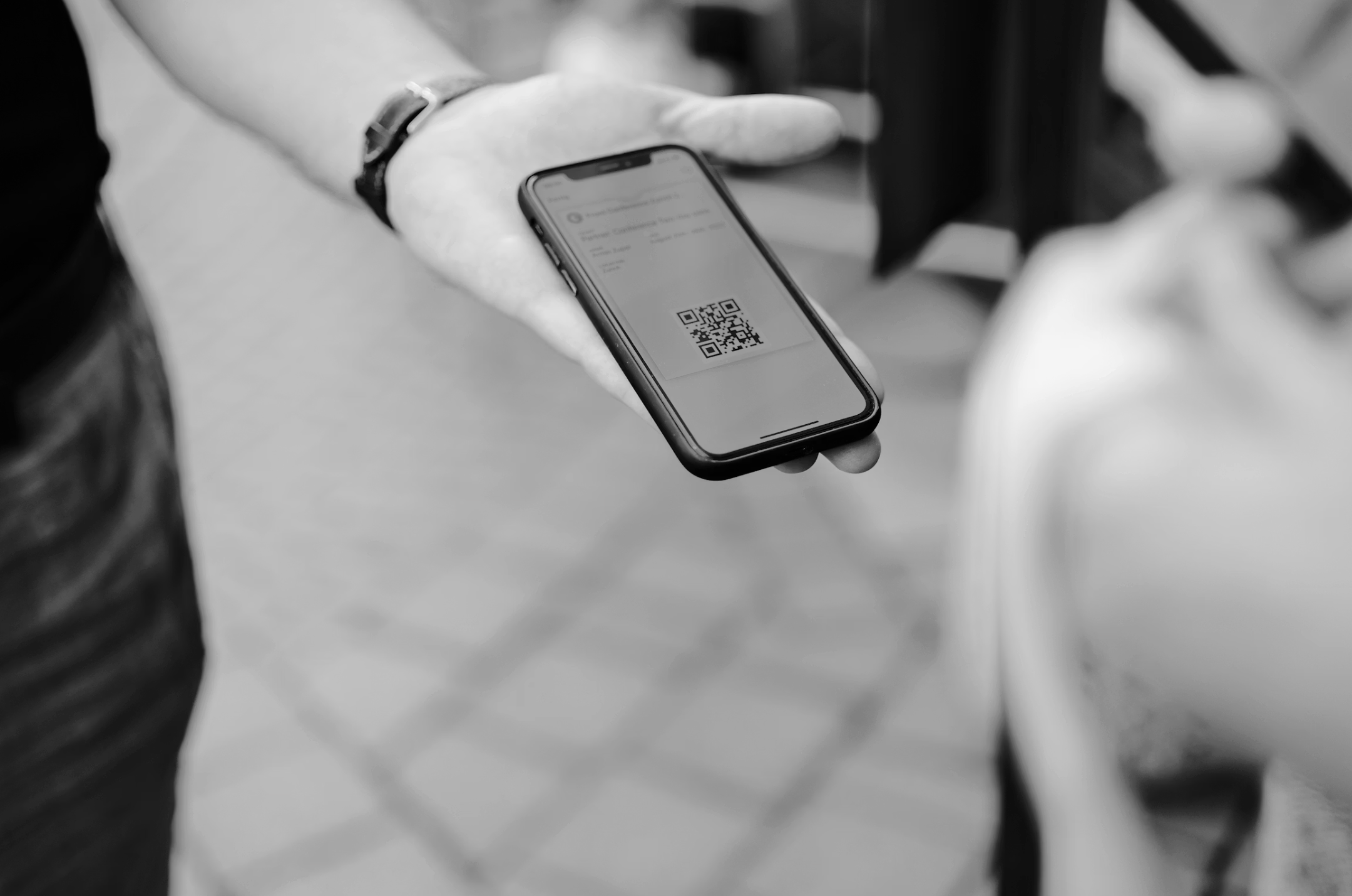
The beauty of combining a digital business card with a QR code is the elimination of friction. No typing a URL. No searching a name on LinkedIn. Someone points their phone camera at your QR code and within two seconds, they're on your card.
At a conference, a pop-up market, a co-working space, or any in-person moment where you want to share your details, a QR code on your phone screen or a printed card with your digital URL makes the exchange instant and memorable.
For remote working professionals at hybrid events or occasional in-person meetings, this is the most professional, efficient handoff available.
What to Put on Your Digital Business Card in 2025
Less is more. A digital business card should be faster to scan than a full website it exists for the moment of first contact, not deep research. Here's the optimal structure:
Your name and role Clear and jargon-free. "Brand Strategist for Consumer Startups" not "Creative Thought Leader."
A one-line value proposition What you do and who you do it for, in under 12 words.
Two or three contact or portfolio links Email, LinkedIn, and one portfolio link. Nothing more.
A single CTA "Book a call," "View my work," or "Send me a message." One action only.
MobileFirst-Personal's Connector Plan includes dedicated business card templates designed around exactly this structure clean, scannable, and optimized for mobile screens.
How MobileFirst-Personal Generates Your Shareable Card URL
Every site you build on MobileFirst-Personal gets a permanent hosted URL your digital card's home on the web. This URL is what sits behind your QR code.
You can generate a QR code for any URL using any free QR code generator. Print it on a lanyard card for events, add it to your email signature, or display it on your phone lock screen. The URL never changes so the QR code never expires.
And when you want to update your card content? Log into MobileFirst-Personal, make the change, and it's live. The same QR code now points to your updated information without any reprinting.
The Freelancer Who Sends a Link Wins the Room
In any professional exchange, the person who follows up fastest and most professionally is the one people remember. A quick message with your digital business card link sent within minutes of meeting someone signals organization, professionalism, and genuine interest.
Make the Switch Today It Takes Less Than an Hour
Paper cards had their era. Yours is now. Build your digital business card on MobileFirst-Personal's free Sandbox plan, generate your QR code, and never run out of cards again. Create your free digital business card at MobileFirst-Personal.com.
To add this web app to your homescreen, click on the "Share" icon
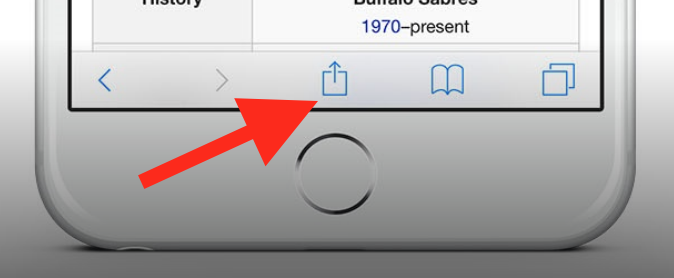
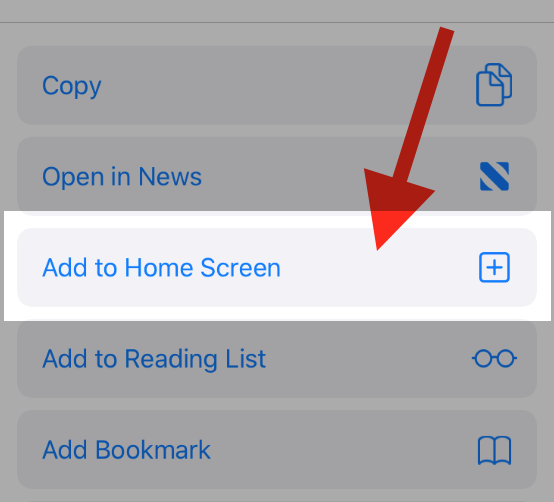
Then click on "Add to Home"
To add this web app to your homescreen, click on the "Share" icon
Then click on "Add to Home"
It looks like your browser doesn't natively support "Add To Homescreen", or you have disabled it (or maybe you have already added this web app to your applications?)
In any case, please check your browser options and information, thanks!
It looks like your browser doesn't natively support "Add To Homescreen", or you have disabled it (or maybe you have already added this web app to your applications?)
In any case, please check your browser options and information, thanks!