Our Blog
How to Set Up a Professional Home Office on a Budget for Remote Working
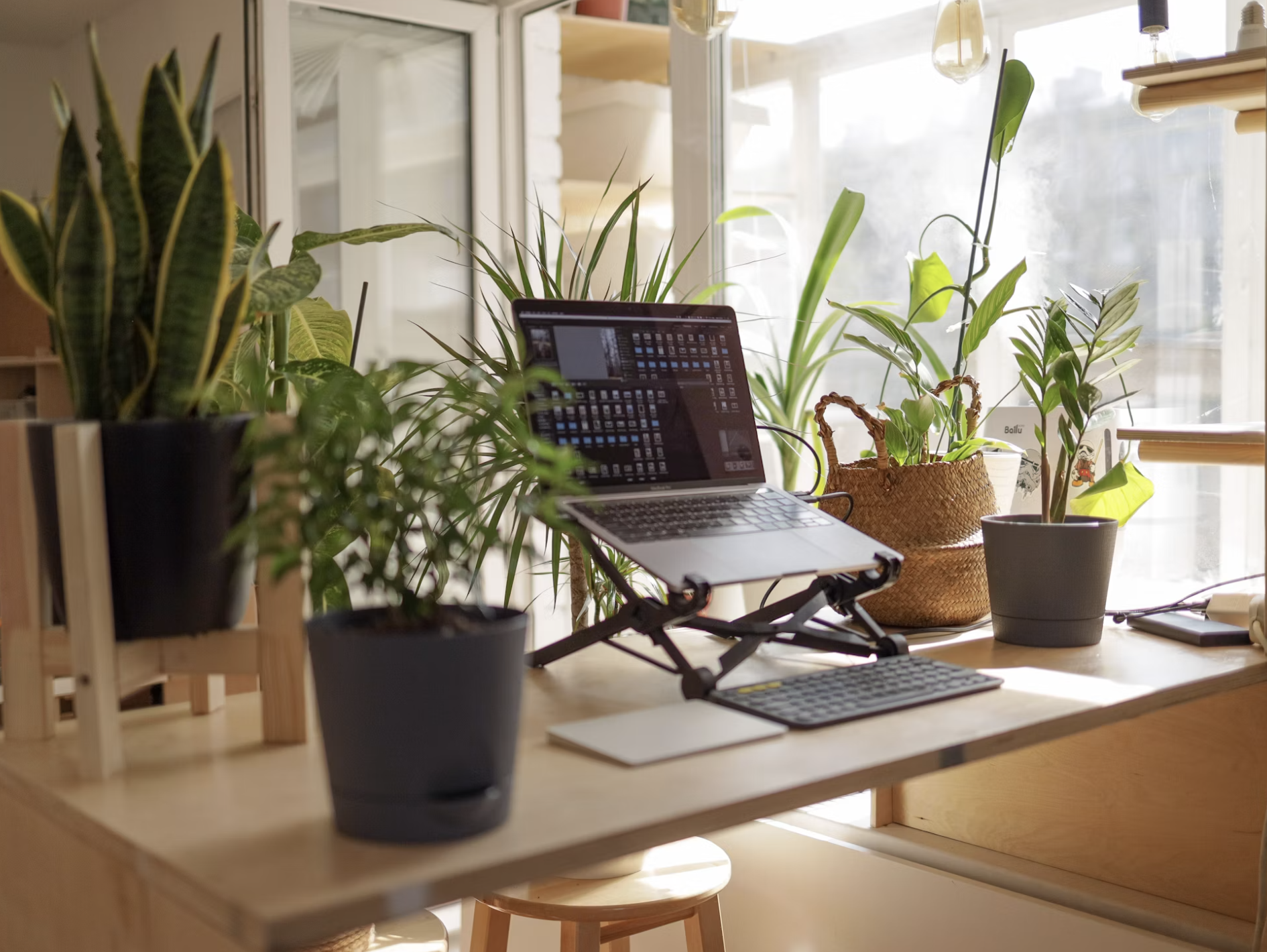
Remote working doesn't require a perfect space. It requires the right space and there's a big difference. Whether you're a full-time freelancer or transitioning into remote work for the first time, the goal isn't an Instagram-worthy setup. It's a consistent environment that protects your focus, looks professional on video, and supports long working days without draining you.
And the best part? You can build that environment for far less than most people think including the website builder no coding tools that complete your digital workspace.
What Your Home Office Actually Needs
The Non-Negotiables: What You Cannot Skip
Three things genuinely matter for a productive remote working setup: a reliable internet connection, a dedicated workspace, and good lighting. Everything else is optional.
Reliable internet is non-negotiable it's the infrastructure your entire career runs on. If your home connection is unreliable, invest in a backup mobile data plan before you invest in anything else.
A dedicated workspace signals to your brain that work has begun. It doesn't need to be a separate room. A consistent desk, even in a corner of a bedroom, works as long as it's used only for work.
Good lighting transforms every video call from unprofessional to polished instantly. A window in front of you, or an affordable ring light behind your monitor, is the single highest-return physical investment a freelancer can make.
The Home Office Setup by Budget
Under $100: A desk lamp with warm light, a Bluetooth headset for calls, and a tidy, neutral background for video. Add a free MobileFirst-Personal Sandbox site as your professional digital anchor.
$100–$300: Add a dedicated monitor if you're working from a laptop, a basic ring light, and a comfortable chair with back support. Upgrade to MobileFirst-Personal's Connector Plan ($4/month) for a professional digital business card to share in every call and email.
$300–$600: Add a mechanical keyboard, a quality webcam if your laptop camera is poor, and cable management to make your setup look intentional. Upgrade to the Personal or Solo Plan on MobileFirst-Personal to build a full multi-page website to match your polished physical setup.
What Your Digital Workspace Needs to Match Your Physical One
Most remote working professionals invest in their physical setup and neglect their digital one. But to clients and collaborators who only ever see you through a screen, your digital presence is your office.
A clean, fast, mobile-first website built on MobileFirst-Personal is the digital equivalent of a tidy desk and professional background. It tells people you're serious, organized, and worth their time before the conversation starts.
The website builder no coding interface means you can set up your digital workspace in the same afternoon you reorganize your physical desk.
The One Digital Tool Most Home Office Guides Skip
Every home office guide covers monitors, chairs, and lighting. Almost none cover the tool that does the most work for your career while you're away from your desk: your personal website.
Your MobileFirst-Personal site works 24 hours a day. It hosts your portfolio, communicates your services and rates, and captures leads while you're on a call, cooking dinner, or asleep. No other piece of equipment you own does that.
The Sandbox plan is permanently free. The Connector Plan is $4/month. For what it does, it's the most cost-efficient line item in any freelancer's budget.
Build the Workspace That Works for You
The best home office is the one you'll actually use consistently. Start simple, invest in the non-negotiables, and add everything else as your budget allows. Complete your remote working setup with a free professional website at MobileFirst-Personal.com.
To add this web app to your homescreen, click on the "Share" icon
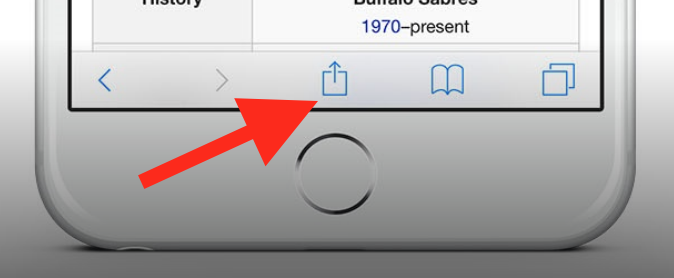
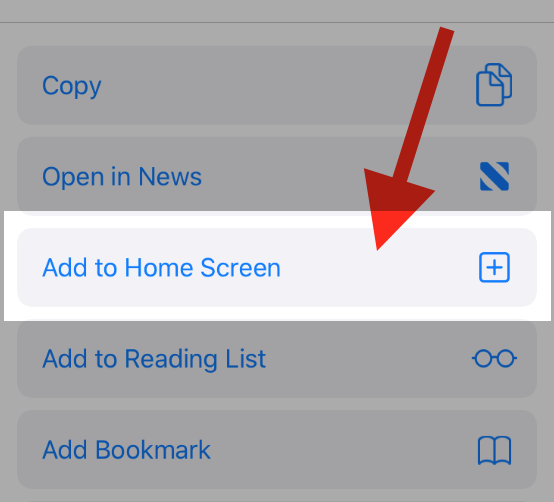
Then click on "Add to Home"
To add this web app to your homescreen, click on the "Share" icon
Then click on "Add to Home"
It looks like your browser doesn't natively support "Add To Homescreen", or you have disabled it (or maybe you have already added this web app to your applications?)
In any case, please check your browser options and information, thanks!
It looks like your browser doesn't natively support "Add To Homescreen", or you have disabled it (or maybe you have already added this web app to your applications?)
In any case, please check your browser options and information, thanks!