Our Blog
How to Go From Employee to Freelancer in 90 Days
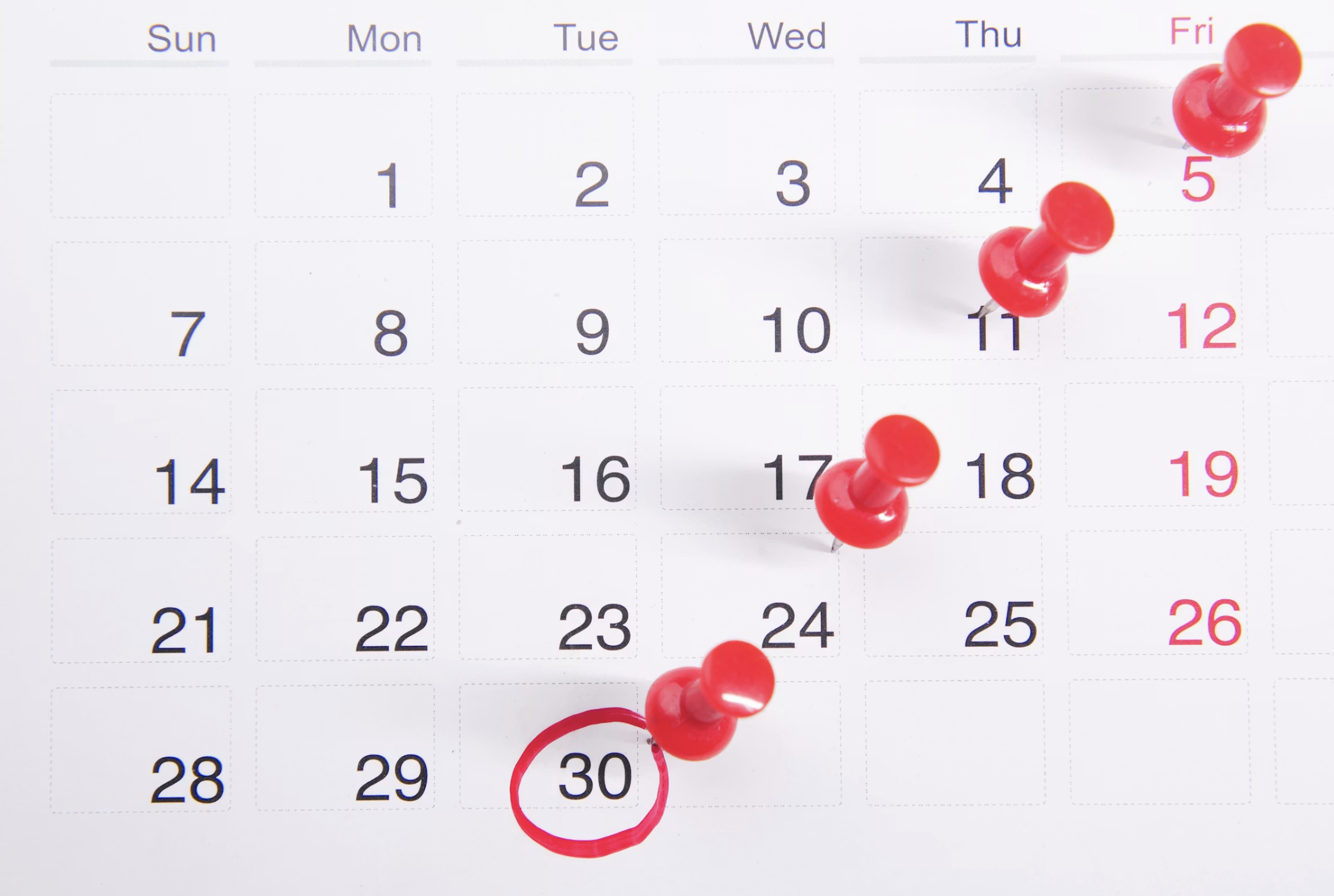
Thinking about leaving your job to go freelance? You're not alone and you're not as far from a viable remote job income as you might think. The transition from employee to freelancer doesn't require a dramatic leap of faith. It requires a structured plan, the right digital setup, and a realistic timeline. This 90-day roadmap gives you all three including exactly how to use a website builder no coding platform to look like a seasoned professional from day one.
Your 90-Day Freelance Launch Plan
Days 1–30: Build Your Foundation
The first month is not about finding clients. It's about building the infrastructure that makes client-finding possible. Move too fast and you'll waste energy pitching without the tools to back up the pitch.
Week 1 Define your niche and offer. Pick the one service you can deliver confidently right now ideally something you've already been doing inside your employment. Narrow it to a specific audience. Write a one-sentence description of who you help and what outcome you deliver.
Week 2 Build your website. Sign up for MobileFirst-Personal's free Sandbox plan and build your first professional page. Home section, portfolio with two to three samples, services section with clear pricing, contact form. Use the AI assistant to generate your first copy draft if you're stuck. Publish before the week ends imperfect and live beats perfect and invisible.
Week 3 Build your digital business card. Create a separate one-page card on MobileFirst-Personal using the Connector Plan ($4/month). This is the link you'll share everywhere in email signatures, on LinkedIn, in every introduction. Set it up once and use it forever.
Week 4 Update every platform. Refresh your LinkedIn headline, photo, and about section using the identity you defined in Week 1. Link your MobileFirst-Personal website. Update any marketplace profiles you plan to use. Consistency across every touchpoint is the foundation of professional credibility.
Days 31–60: Get Your First Client
Month two is about activity. Focused, strategic, consistent activity not spraying applications across every job board and hoping something lands.
Warm outreach first. Contact every past colleague, employer, and professional contact who might need your service or know someone who does. A short, friendly message explaining your new direction and asking if they know anyone who might benefit is enough. Most first freelance clients come from warm networks.
Targeted cold outreach second. Identify 20 companies or individuals who match your ideal client profile. Send a personalized, problem-focused message not a generic "I'm a freelancer looking for work" email. Reference something specific about their business and explain how you'd help.
One community, consistently. Join one professional community where your target clients spend time. Post genuinely helpful content twice per week. Share your link naturally when relevant. Build relationships before you pitch.
Days 61–90: Systematize and Scale
By day 60, you should have at least one client possibly more. Month three is about building the systems that make freelancing sustainable as a long-term remote job rather than a short-term scramble.
Build a simple client onboarding process. Create a project tracking system. Set up your invoicing on MobileFirst-Personal's Commerce module if you're selling services directly from your site. Start collecting testimonials from your first clients immediately.
Update your website with new work samples, fresh testimonials, and any evolved positioning. The MobileFirst-Personal editor makes this a 20-minute task rather than a weekend project.
The 90-Day Mindset Shift
Going freelance isn't about escaping employment. It's about building a business that runs on your terms, delivers genuine value, and grows with your skills.
The professionals who make it through the first 90 days are the ones who treat it like a business from day one including the website. Start your freelance journey today at MobileFirst-Personal.com free forever on the Sandbox plan.
To add this web app to your homescreen, click on the "Share" icon
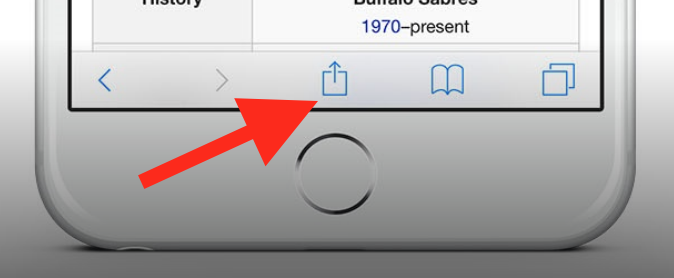
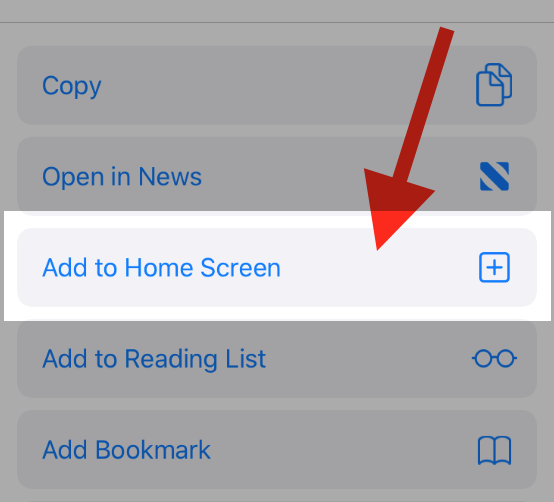
Then click on "Add to Home"
To add this web app to your homescreen, click on the "Share" icon
Then click on "Add to Home"
It looks like your browser doesn't natively support "Add To Homescreen", or you have disabled it (or maybe you have already added this web app to your applications?)
In any case, please check your browser options and information, thanks!
It looks like your browser doesn't natively support "Add To Homescreen", or you have disabled it (or maybe you have already added this web app to your applications?)
In any case, please check your browser options and information, thanks!